Showing posts with label
.Net Framework Manual Installation.
Show all posts
Showing posts with label
.Net Framework Manual Installation.
Show all posts
.Net Framework Installation
- Go
to: Microsoft Download
- Click
“Download .NET Framework 4.7.1”, you will get something like this in the
Downloads folder: NDP471-KB4033344-Web.exe
- Right click "Run as Administrator".
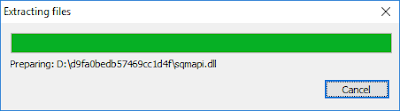
- .Net
Framework 4.7.1 Setup, Click “I have read and accept the license terms” and
click Install.
- Start Menu > Run > regedit.exe
- Find
the subkey: HKEY_LOCAL_MACHINE\SOFTWARE\Microsoft\NET
Framework Setup\NDP
- Click
V4 > Full > look for “Release”. If it is 461310 (it means .net Framework
4.7.1 is installed)


